
The Calendar section provides a centralized view of your shifts and allows you to add, edit, and view them in various formats.
View Shifts:
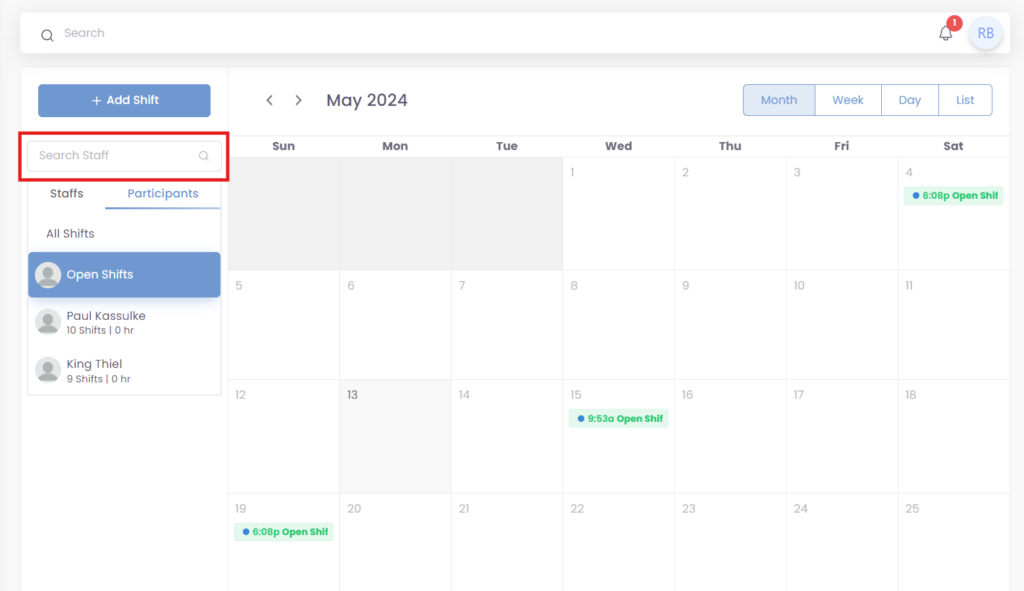
All Shifts: This is the default view and displays all the shifts in the selected timeframe.
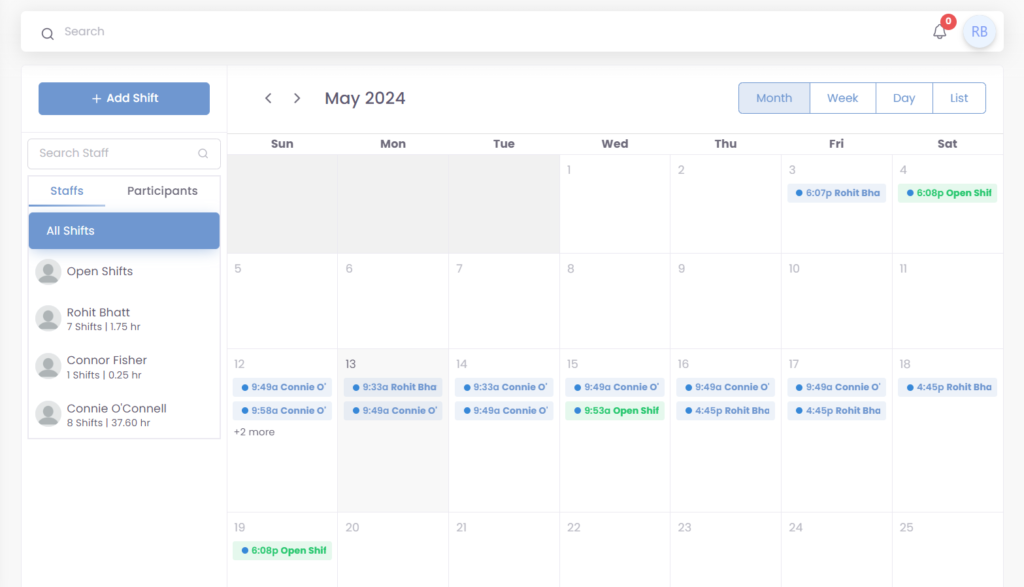
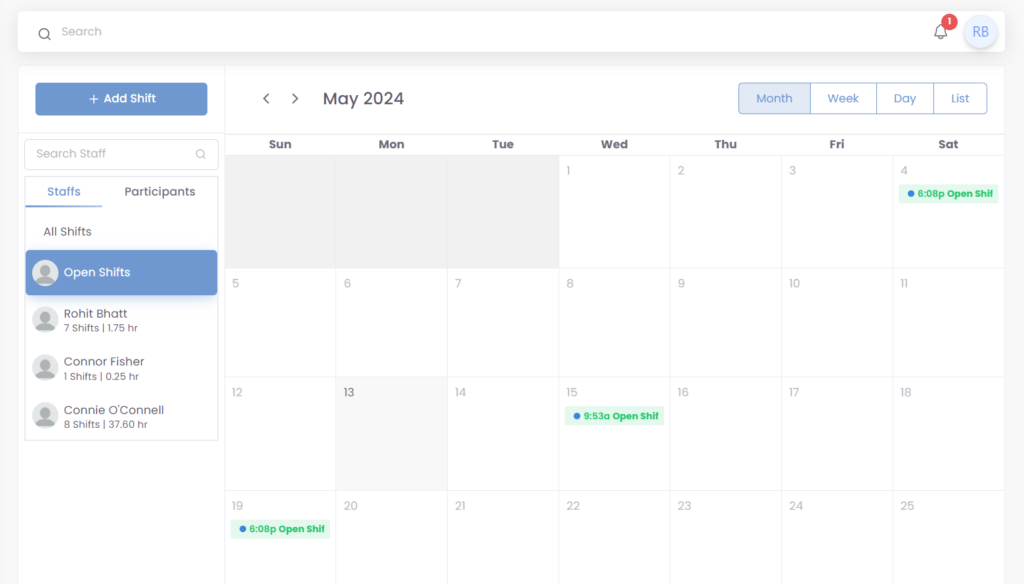
Open Shifts: This view shows only the open shifts (unassigned shifts) for the selected timeframe.
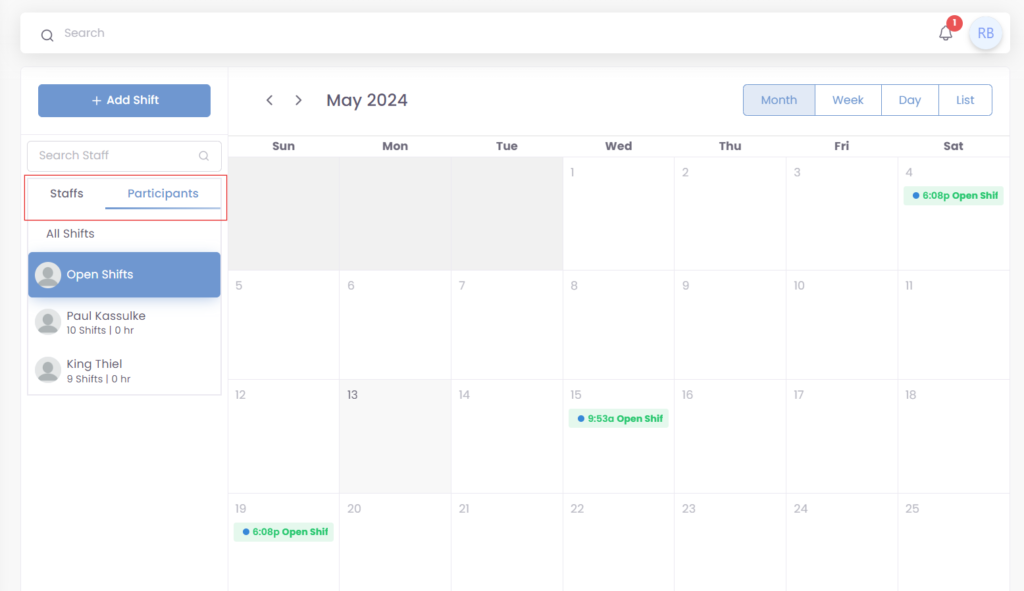
Staff/Participant: You can filter the calendar to view shifts assigned to a specific staff member or participant.
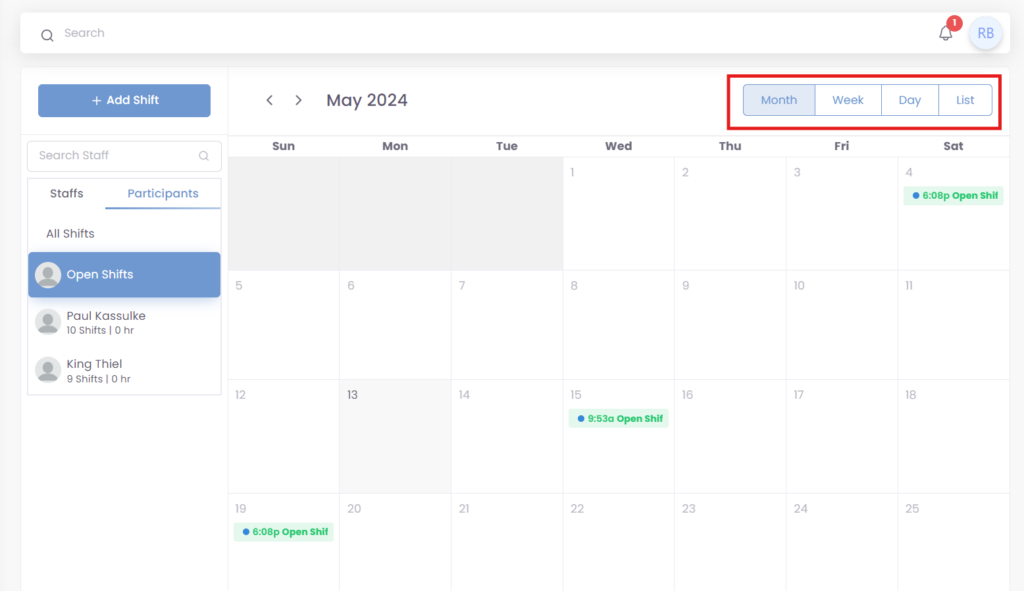
Timeframe: You can view shifts by day, week, or month using the buttons located at the top of the calendar.
Search: Use the search bar to find specific shifts by staff member or participant name.
Was this helpful?
0 / 0