Edit Shift
- Calendar View: Locate the calendar displaying your schedule.
- Shift Marker: Find the shift you want to edit. It will likely be represented by a colored dot or marker.
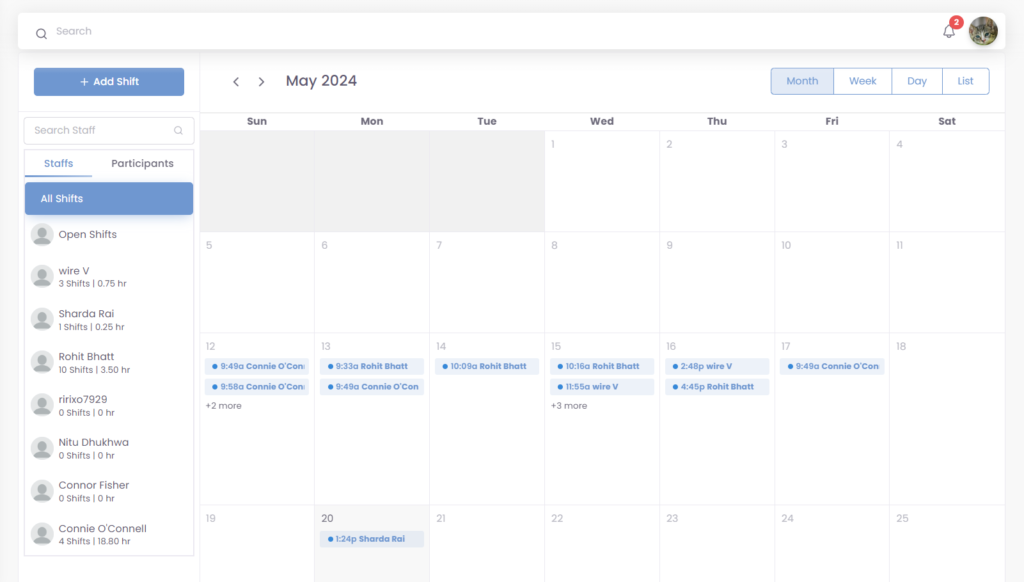
- Click the Shift: Click on the dot or marker representing the shift you intend to modify. This action should trigger a new window to appear.
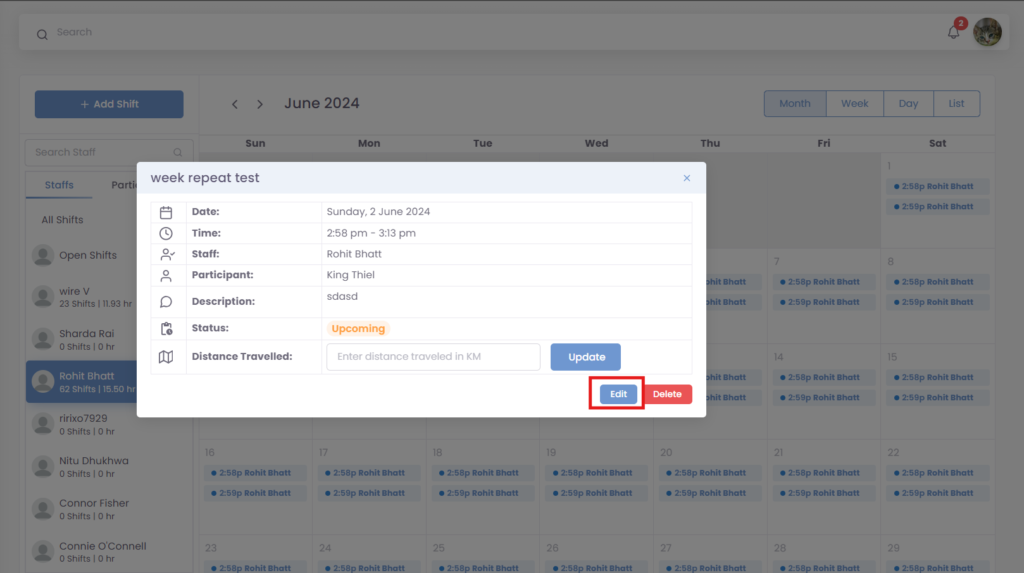
- Click the “Edit” icon under the on each shift.
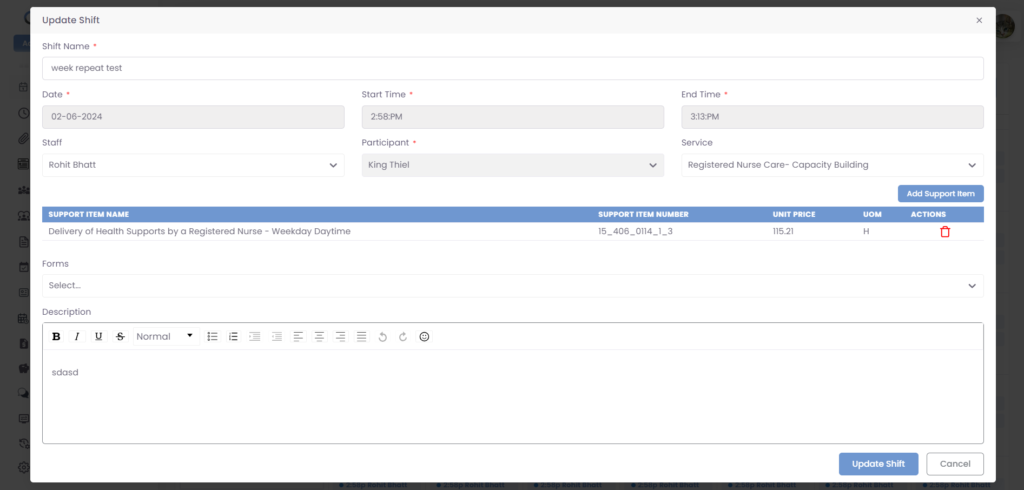
- Make changes to details like date, time, staff, etc.
- Click “Update Shift” to confirm edits.
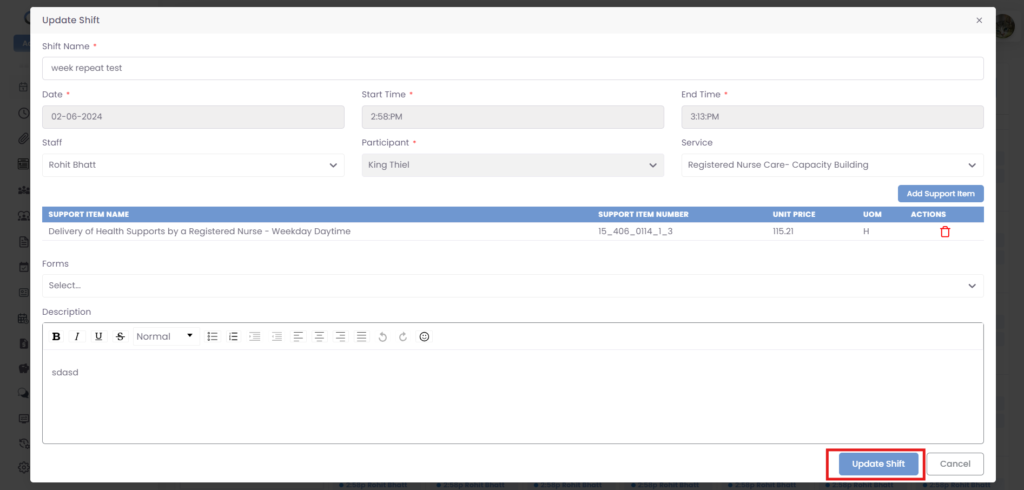
- Click “Cancel” (optional) to discard changes.
Was this helpful?
1 / 0