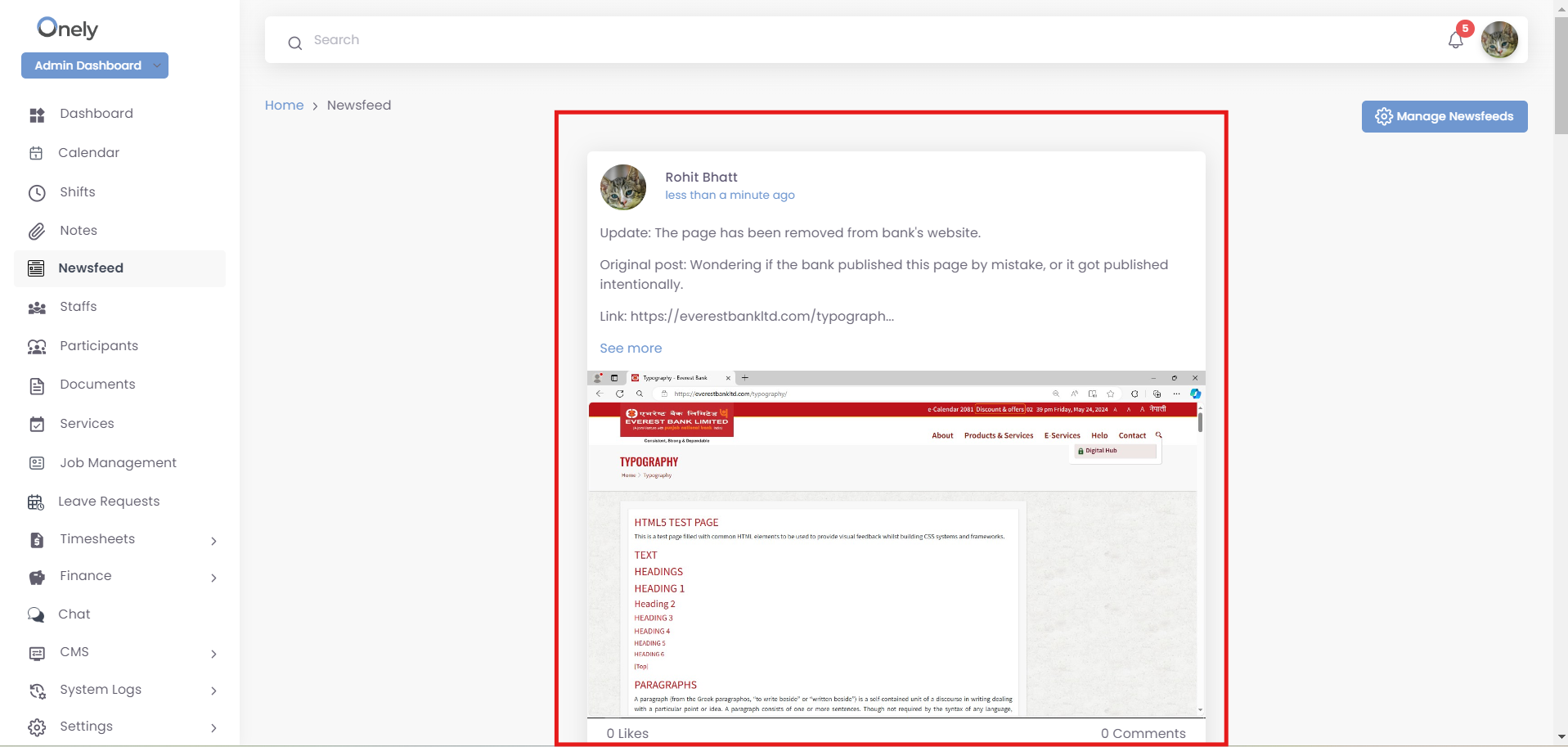
Click on “Newsfeed” on the left-hand side on the dashboard, to manage newsfeed updates and announcements posted by various users within the organization, likely including admins and staff.
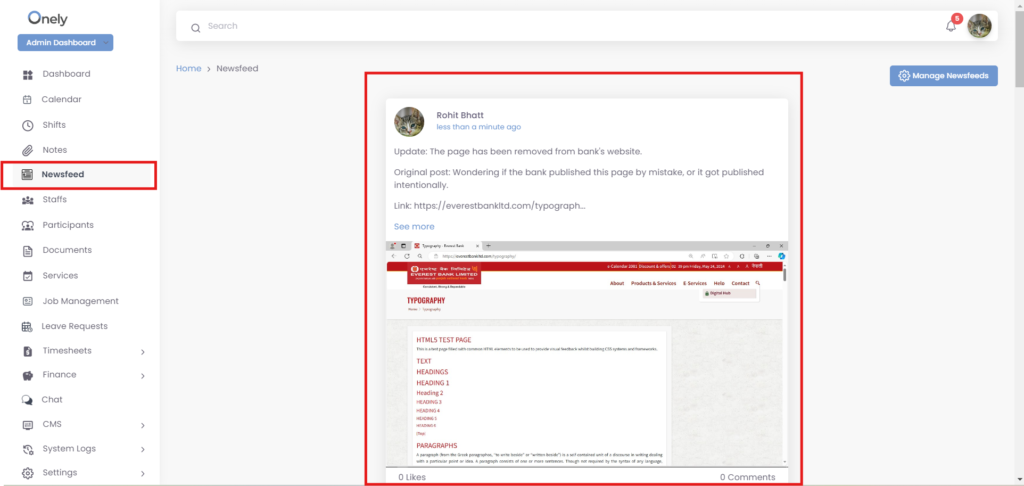
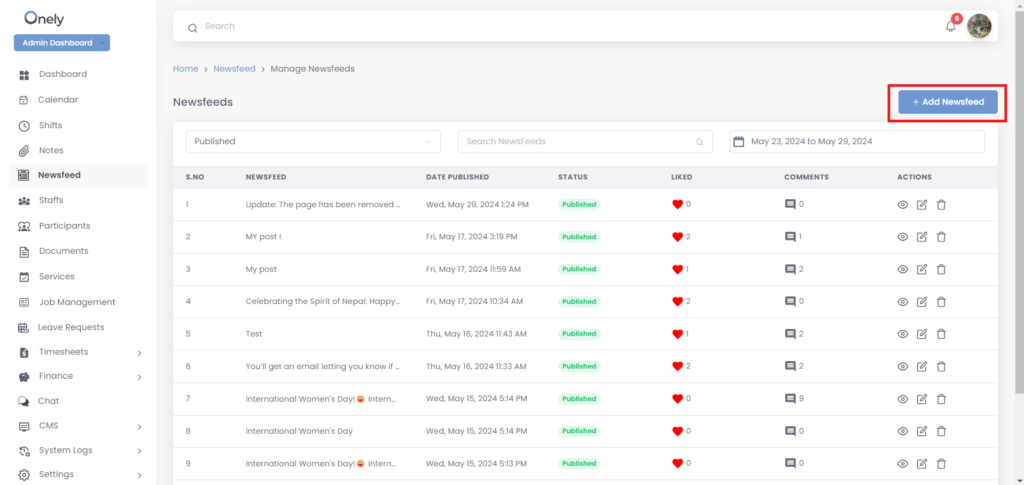
To Add newsfeed, click on “Add newsfeed” button
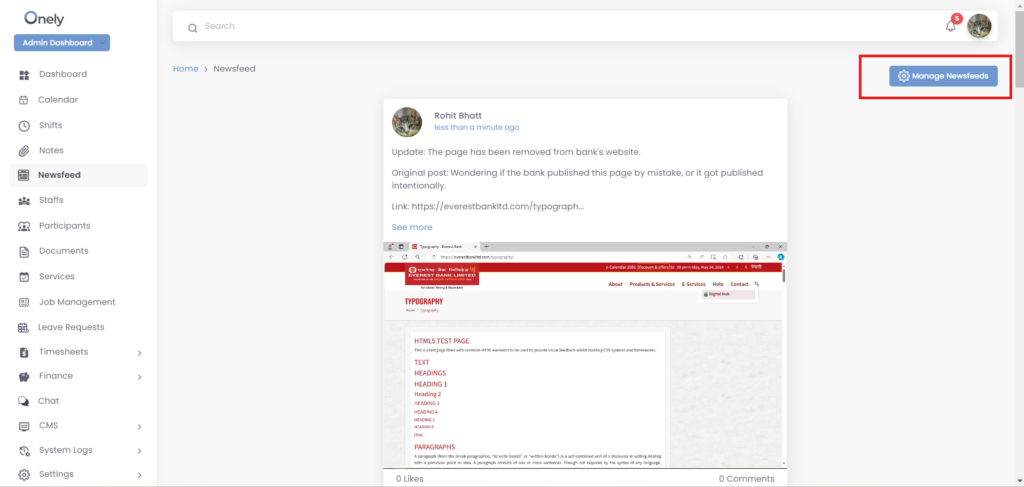
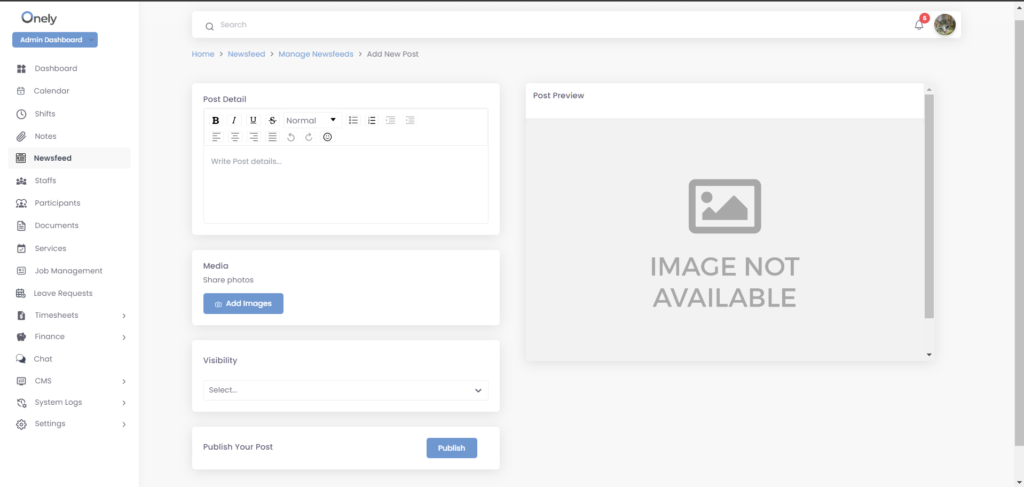
This leads Following Page
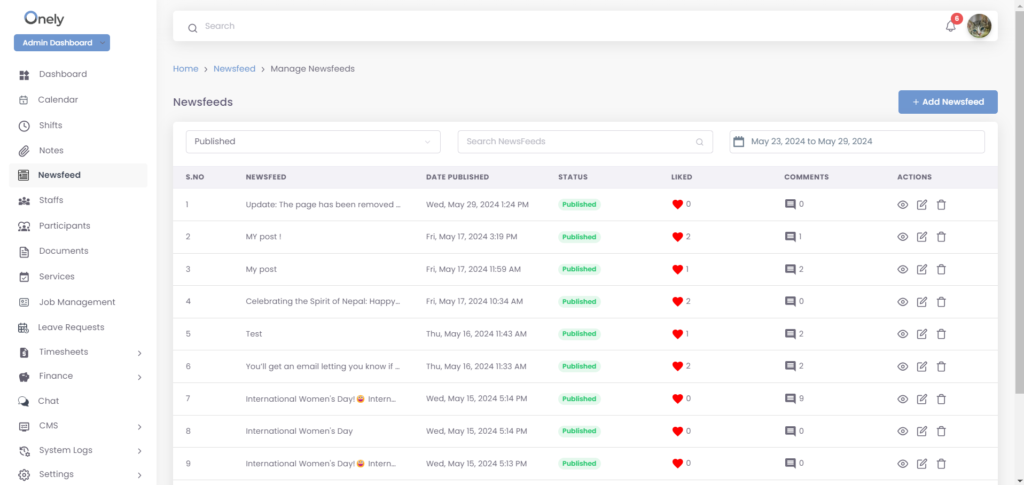
Click on “Add newsfeed” button
- Write the content on the write post field”.
- Add image (Optional).
- Select the “Visibility” for person who can see the post.
- Click on the “Publish” button.
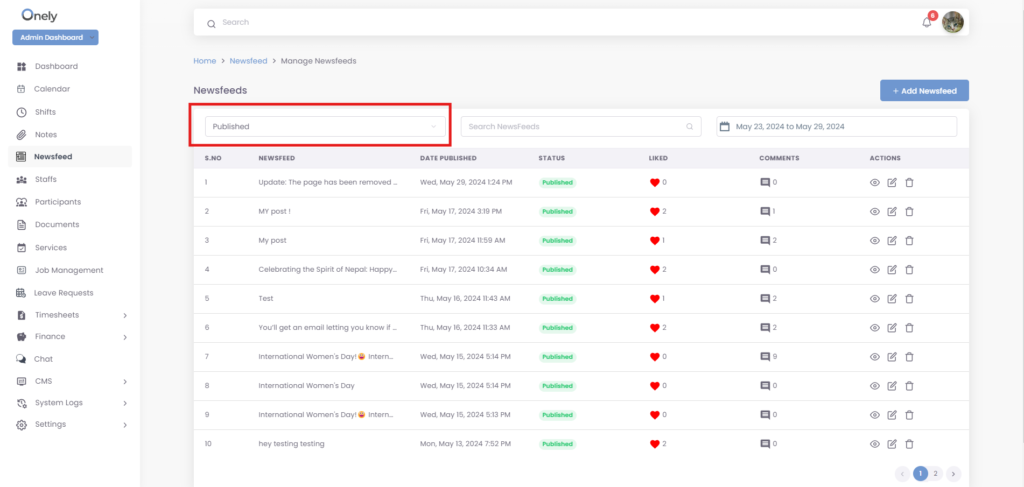
To see the post by type, select from the drop-down.
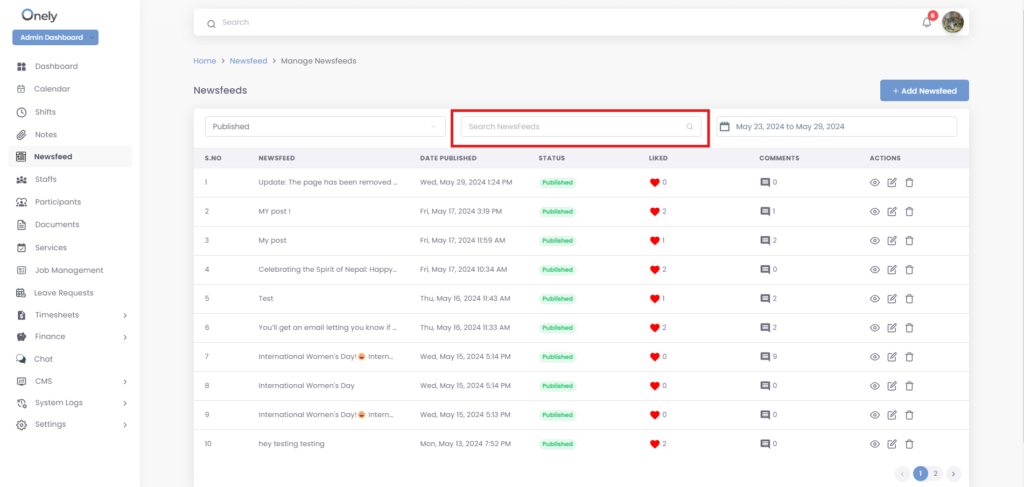
You can search the post by content title.
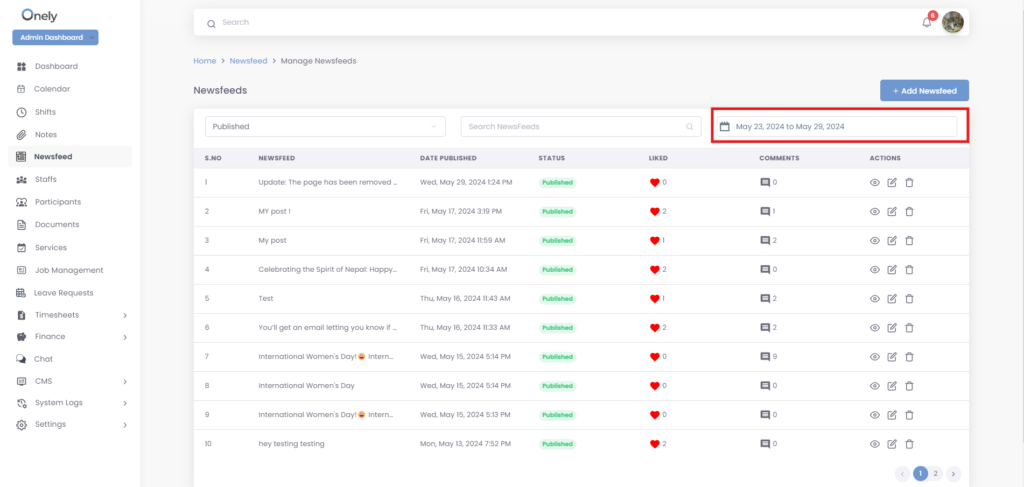
You can see post by date filter option.
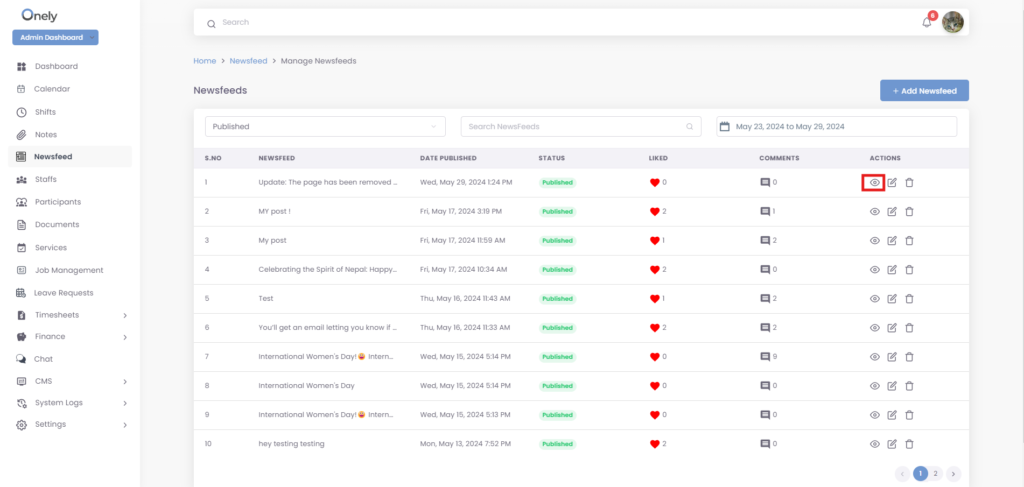
To see the post detail, click on “view” icon under the Actions.
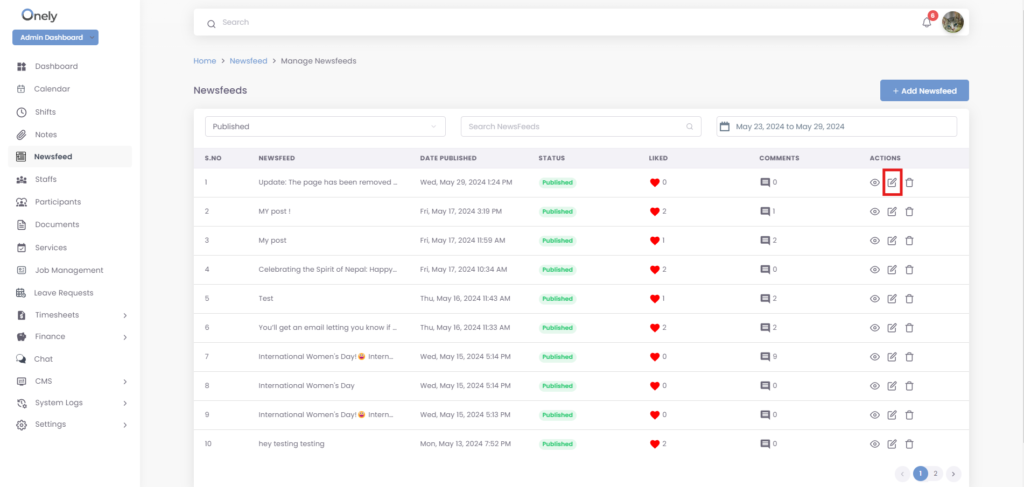
To make changes on existing post, click on “edit” icon under the actions.
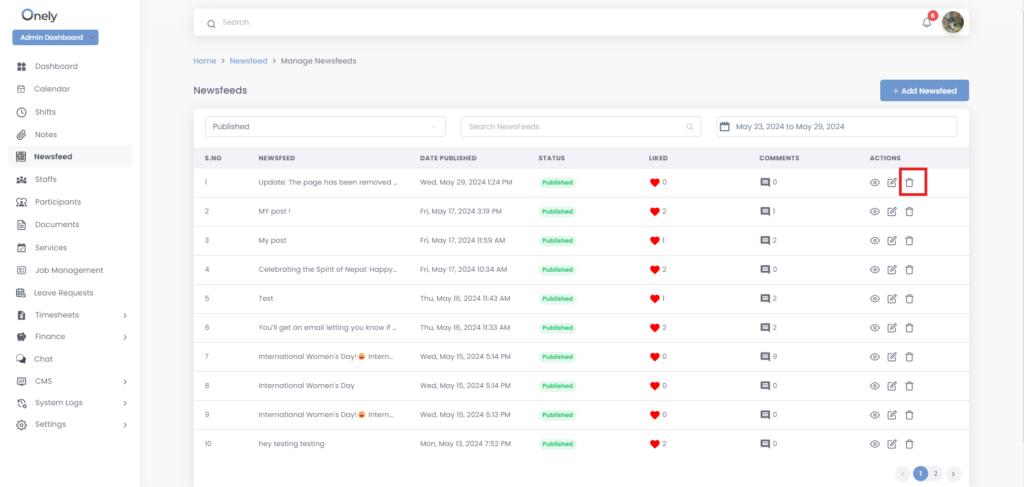
To delete the post from the list, click on “delete” icon under the Actions.
Was this helpful?
1 / 0