
To register an account as a NDIS provider on Onely, please follow these instructions:
- Visit https://onely.com.au in your web browser to register an account.
- Once the page loads, you will be directed to the registration page. Choose NDIS Provider: On the registration page, select “NDIS” as your account type.
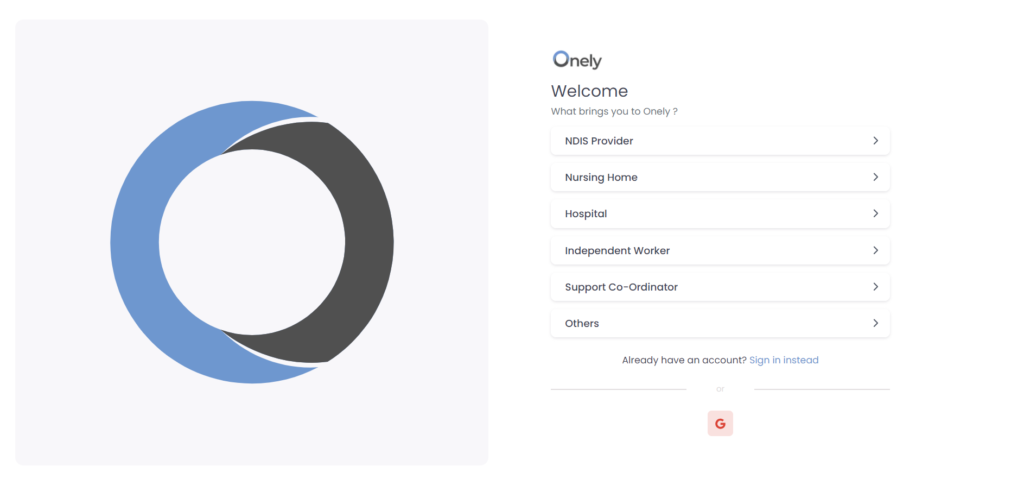
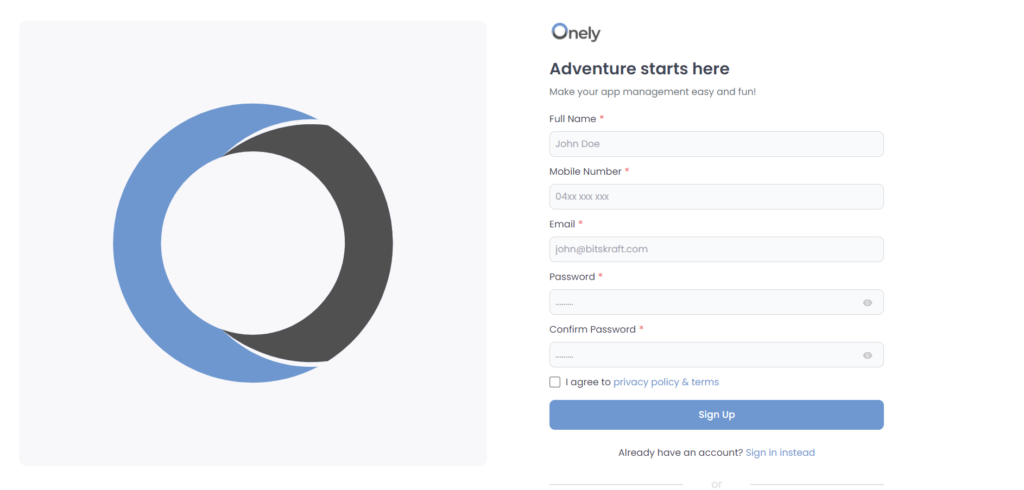
- Selecting “NDIS,” the registration form will open. Fill Out the Form: Enter your full name, mobile number, email address, and create a strong password.
- Agree and Sign Up: Check the terms and click “Sign Up.”
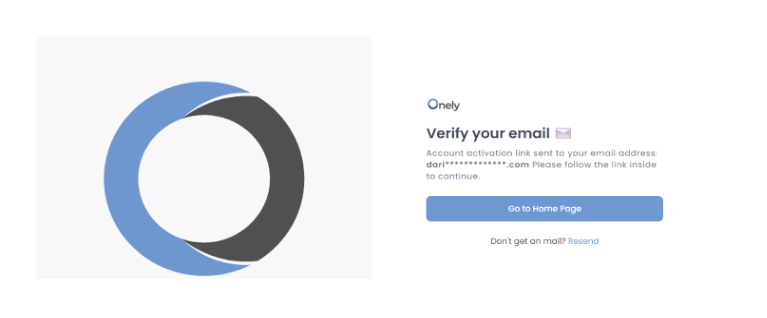
- After submitting the form, you may receive a verification message indicating that “Account activation link is sent to your email address. Please follow the link inside to continue.” Verify Your Email: Check your email for a message from Onely with a verification link. Click the link to continue.
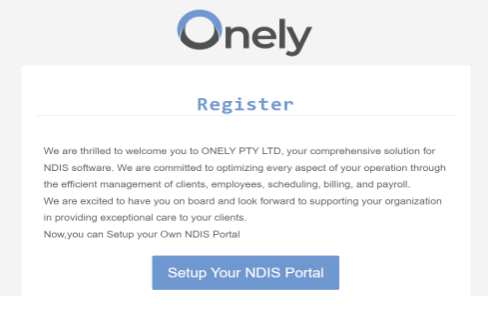
- Now, log in to your email account and check for an email from “Onely” to complete registration process as an NDIS provider.
- Click on the “Setup Your NDIS Portal”, the form will open.
- Fill in all the required information accurately and completely and Click on “save and Continue” button.
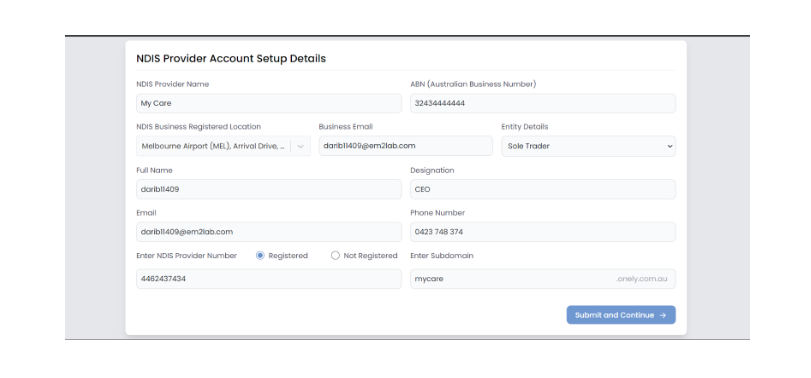
- Wait for the confirmation of your registration as an NDIS provider
- Once you receive the confirmation, you can proceed to sign in to your newly registered NDIS provider account. To sign in, visit the Onely website and click on the “Sign in” option. Enter your
Remember:
- Be accurate with your information during registration.
- Keep your password secure.
- Bookmark the Onely login page for easy access
Was this helpful?
1 / 0