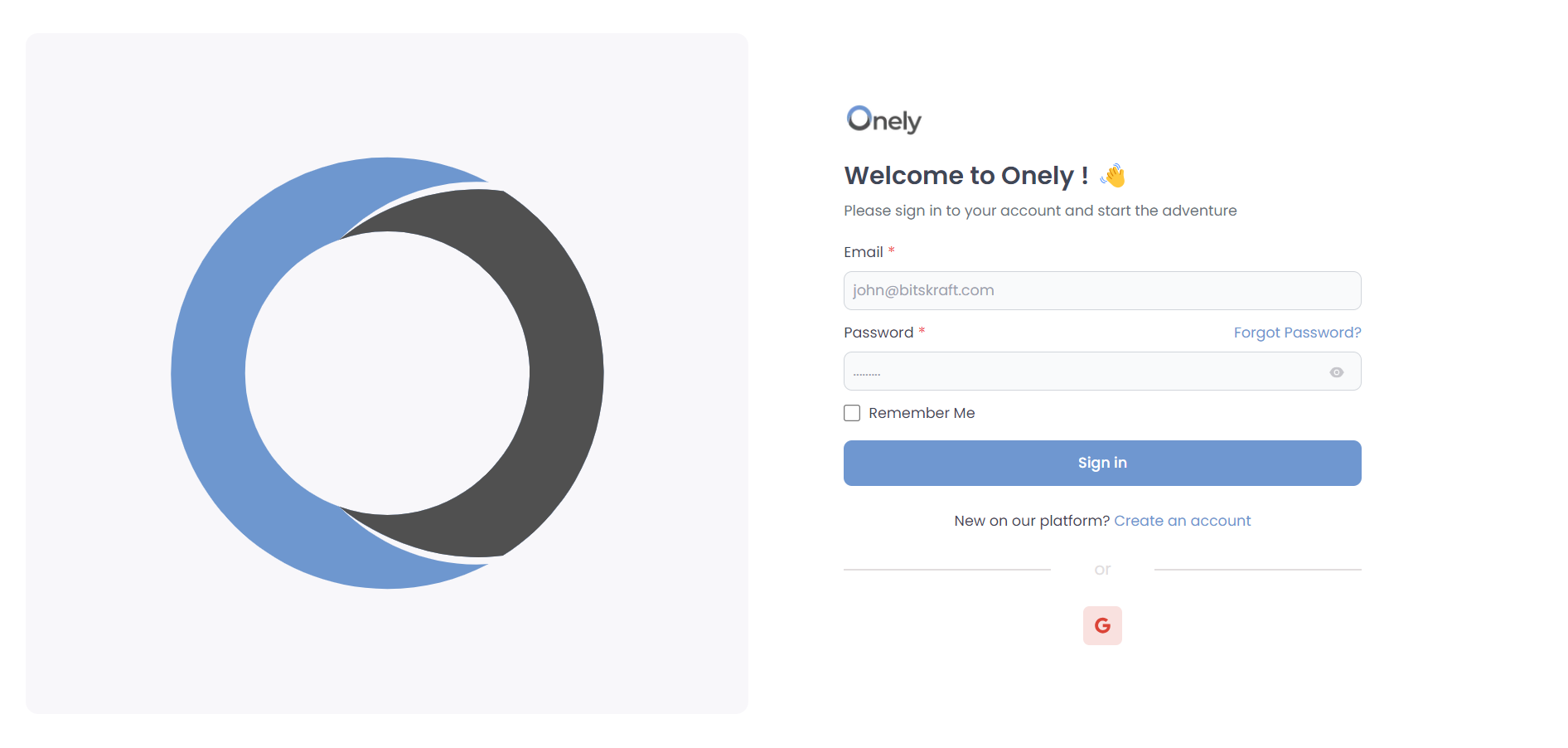
- Congratulations! You’ve successfully registered as an NDIS provider on Onely. Now, it’s time to log in and explore your account. Here’s how:
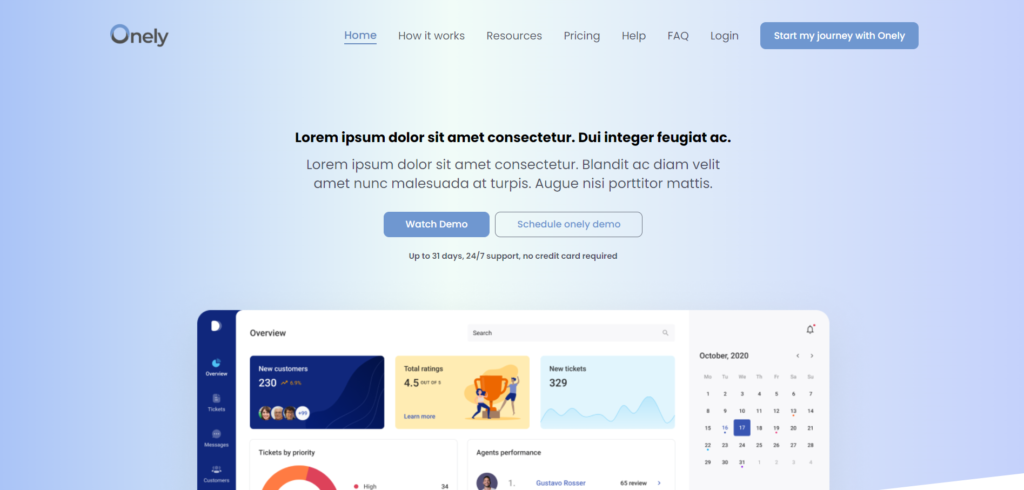
- Open your web browser and visit the Onely website. You can use the same URL you used for registration: https://onely.com.au
- Look for the “Sign In” or “Login” button/link on the Onely homepage. It’s usually located in the top on the main navigation bar.
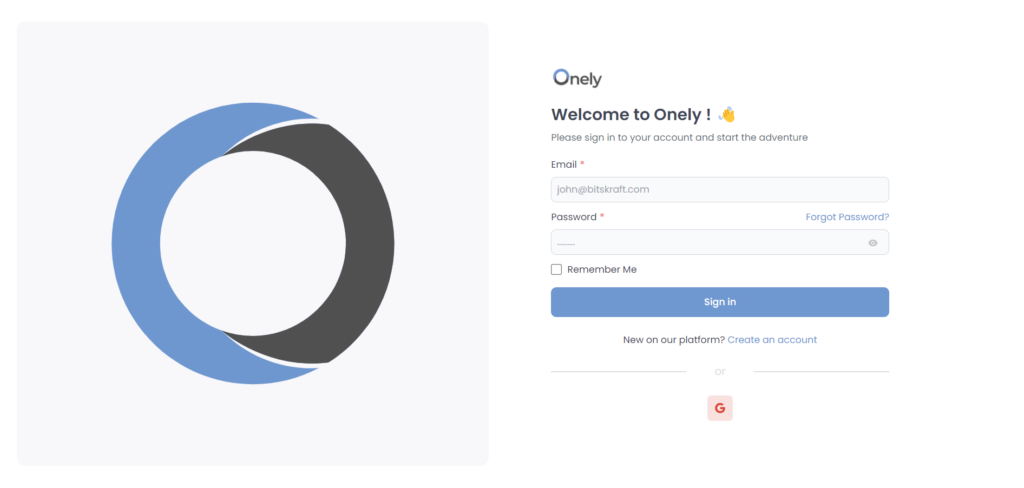
- Enter Your Credentials. Use the email address you provided during registration and the password you created during registration.
- Click the “Sign In” button to access your NDIS provider account.
Was this helpful?
1 / 0